
NRS
Retail tools for convenience, grocery and fuel businesses.
Practical tools for a counter that stays busy.
Talk through your optionsA convenience store needs item information that makes frequent transactions straightforward. Review barcodes, package sizes and commonly confused products before moving data. Distinguish individual items from multipacks and make names clear enough for a new employee to recognize them. Keep a backup of the original list so a migration problem does not erase the reference used to prepare it.
Build a trial basket from ordinary store purchases. Include an unfamiliar barcode, a price correction and an item requiring staff attention. Ask how each situation is handled in the proposed retail software. A fast demonstration with a single prepared product cannot show whether the counter routine will remain understandable during an actual shift.
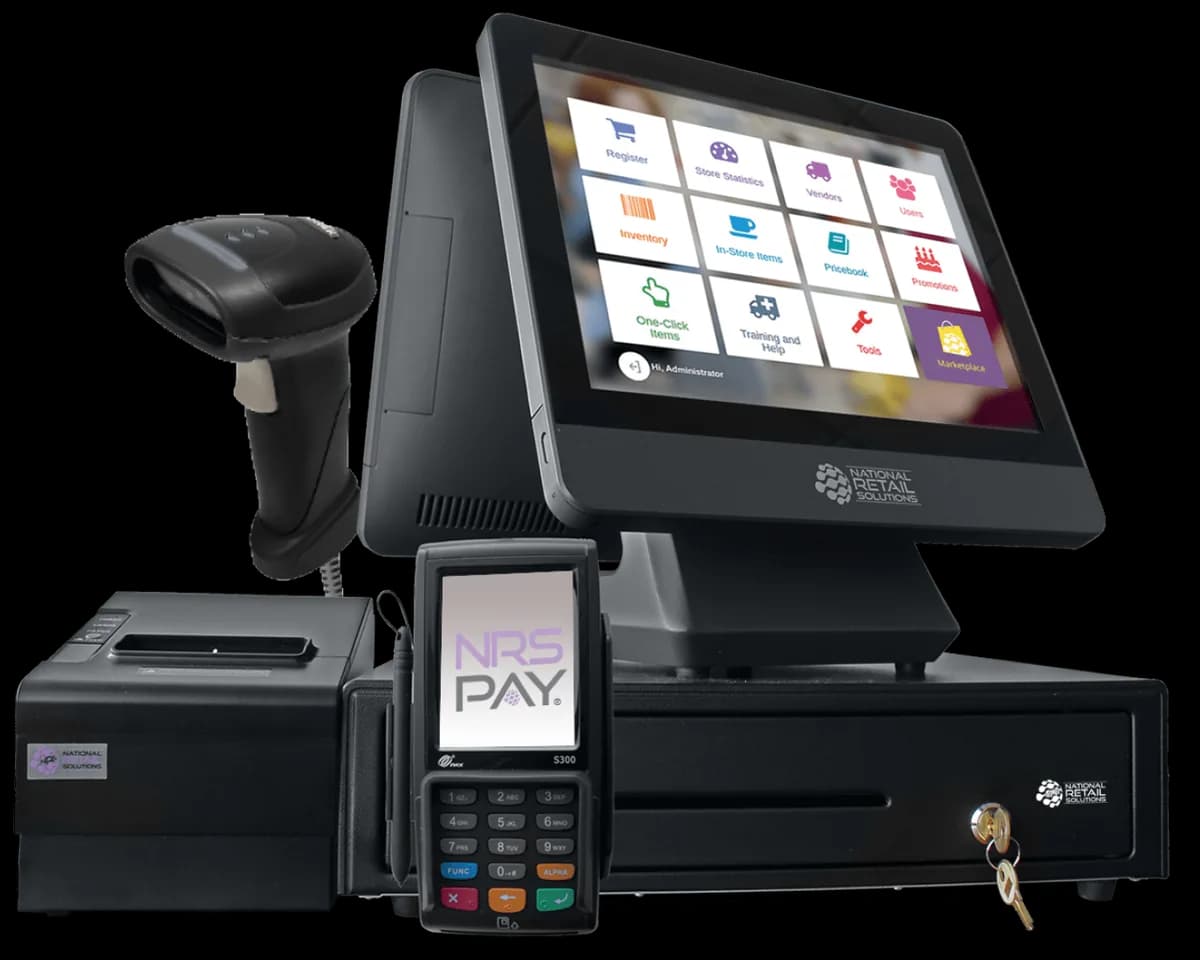
Review scanner position, payment device reach, receipt access and cash drawer movement together. Leave room for customers to place purchases without covering equipment or pulling cables. If the store uses a scale or another specialized peripheral, confirm the exact connection and software support separately. A matching plug does not establish that the full workflow has been tested.
Think about shift changes and equipment checks. Decide who confirms that the devices are connected at opening and where spare supplies are kept. Ask what staff should do if a scan fails or a receipt cannot print. A simple written routine can keep a small equipment issue from becoming an unclear payment question.
Discuss the complete product mix during a processing review, especially where restricted or specialist categories are sold. The processor determines eligibility and agreement conditions through its review. A retail register selection does not guarantee that every product category or payment method will be accepted. Keep the final approval and configuration documents together.
If EBT and SNAP are required, confirm compatible equipment and applicable authorization. Review the staff procedure for the relevant purchases and ask how the payment step appears in reporting. Read settlement terms, account fees and any reserve provisions in the agreement rather than relying on a broad description of a terminal or POS family.
Give staff roles that match the tasks they perform. Review who may change a price, cancel a transaction or issue a refund. Run examples that let the owner find those actions afterward. Decide which reports will be checked at shift handoff and which records will be used when investigating a customer question.
Compare the full proposed setup, including hardware obligations, software subscriptions, processing fees and support responsibilities. Plan the point when new sales begin in the replacement system and retain important existing records. Before opening with the new arrangement, test a full sale, a correction, a refund and each approved payment method. A useful convenience store setup brings these everyday actions into a routine that staff can repeat without guessing.
These are starting points for a configuration review. Confirm your software, payment approval and accessory compatibility before choosing equipment.
Retail tools for convenience, grocery and fuel businesses.

Scanners, printers and the extras that complete your POS.
Review your daily workflow
Confirm software and processor compatibility
Prepare data and staff access
Test before serving customers
Compare the configuration, ongoing costs and agreement before making your choice.
Share your workflow and the questions you want answered. Request a POS quote or a free review of your processing statement.