Salon and Spa
Keep appointments, people and payments in step.
AppointmentsStaff trackingContactless
Explore Salon and SpaExplore Clover, PAX and NRS systems, including options for hard to place businesses such as vape and smoke shops, with a written quote before you commit.
Choose a starting point for your business.
Hardware offers depend on eligibility and agreement terms. Approval and availability vary.
Platform choice
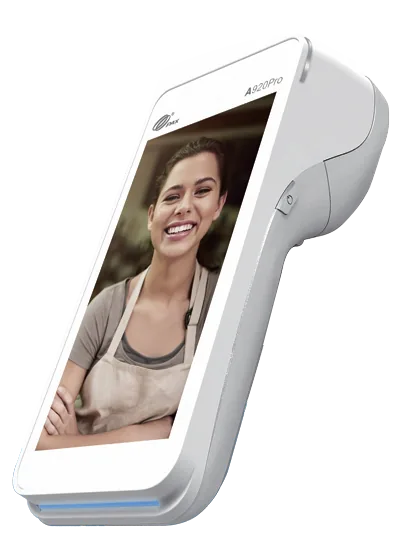
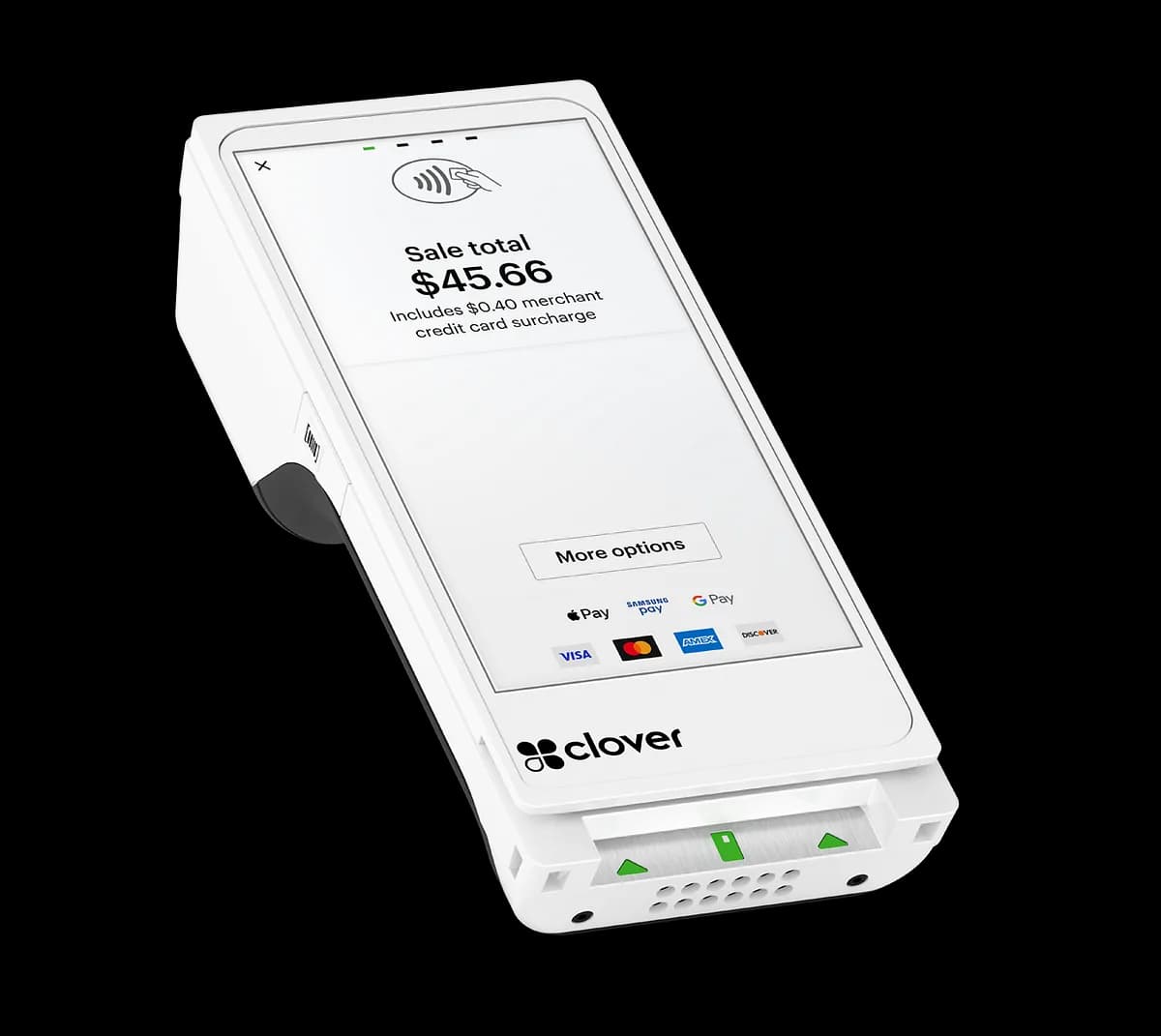
Clover, PAX, NRS
Your business
Your workflow first
Our approach
Clear from the start
Your quote
Hardware options with pricing confirmed in your written quote
24/7
Support, every day of the week
U.S.
Nationwide shipping and remote setup
When your systems slow you down, the whole day feels it. Start with the friction, then find the right tools to move past it.
A payment problem can interrupt more than a sale. Explore processing options that fit your business category and the way your customers pay.
Explore payment processingA busy counter needs a clear workflow. Find devices and compatible peripherals that can help your team keep checkout moving.
Find your POS setupMake it easier to see what is selling and what needs attention. Explore retail tools that bring stock and sales into the same conversation.
Discover NRSStart with your industry. We will help you check which features and payment options suit your specific setup.
Keep appointments, people and payments in step.
Make every checkout as smooth as the service.
Less time at the register, more time in the chair.
Connect the front counter with the kitchen.
Keep tabs and busy service moving together.
Bring scanning, weighing and inventory together.
Practical tools for a counter that stays busy.
Find a setup that fits your store and fuel workflow.
Organize front of store sales with a clear view.
Keep sizes, styles and sales easy to follow.
Give considered purchases a simple checkout.
Get a clearer picture of stock behind the counter.
Explore payment options for a specialist business.
Take a practical checkout setup on the road.
A thoughtful review of your processing needs.
Features depend on your platform, software and processor. Availability and business approvals vary.
View all industriesA whole system or a thoughtful upgrade. Choose hardware that makes sense for your business today, with room for what comes next.
Complete your setup with compatible scanners, receipt printers, cash drawers and more.
Explore Peripheral Devices
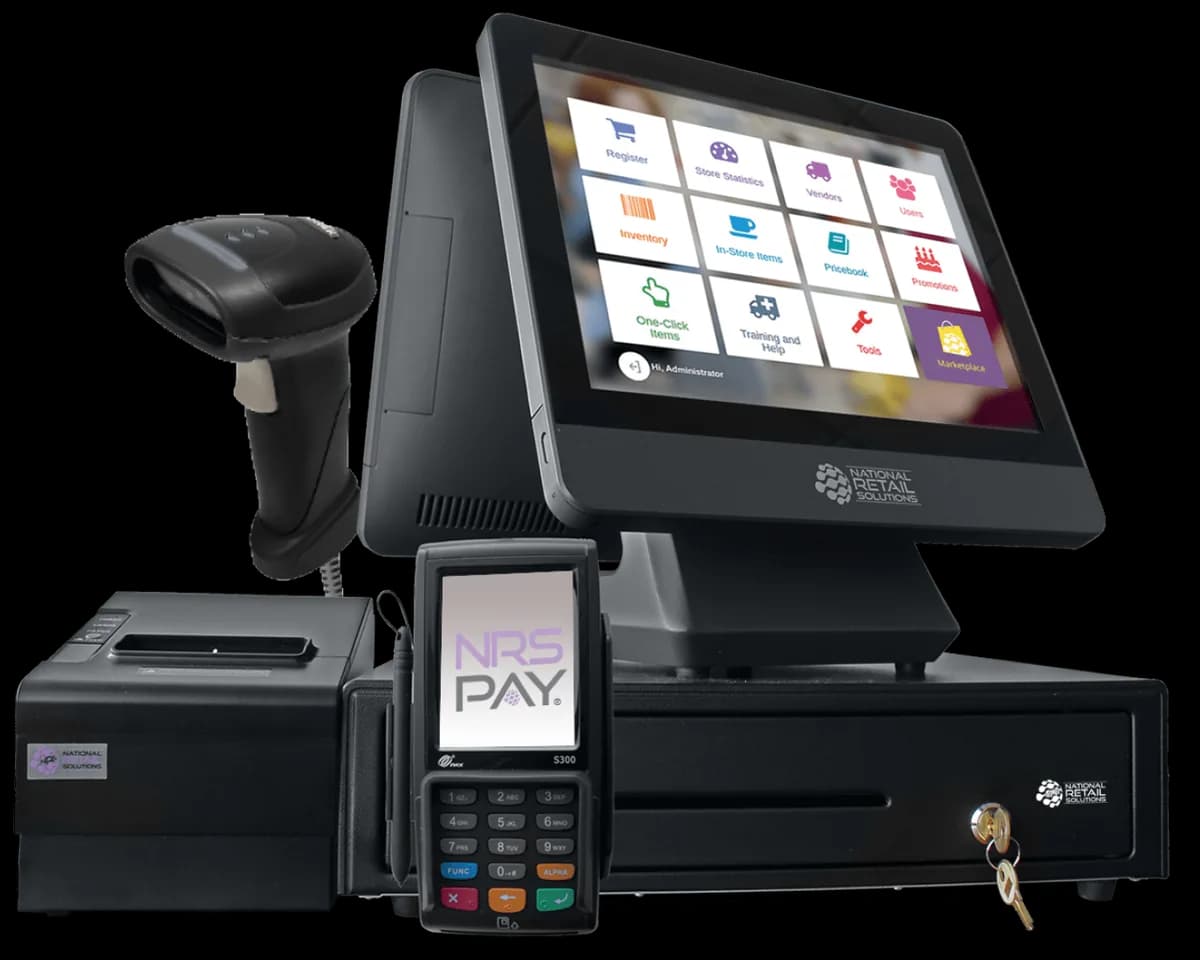
Bring sales, stock and daily decisions into a clearer view with a cloud POS. Keep the tools that work, add compatible peripherals, or explore a full NRS setup.
We will start with your current workflow and check the connections before recommending a change. The right upgrade should solve a real problem.
Find your retail setupStart with a platform. Build around the way your team works.
The details around your system matter just as much as the device on your counter.
Start with hardware prepared for your agreed setup, so the next steps feel more straightforward.
See the equipment, services and agreement terms together. Ask questions before making a commitment.
Talk through your setup and get help finding the right next step when a question comes up.
Compare Clover, PAX and NRS around your workflow, rather than trying to fit your business into one option.
Understand the funding timeline and conditions in your processor agreement. Timing depends on that agreement.
Explore a dashboard that brings useful sales information into view, with features confirmed for your setup.
Make room for your next chapter
Explore the devices and extras that can bring your next setup together.
Share your industry, current setup and the problems you want to solve. We will help you compare a practical starting point.
Once the quote, approvals and agreement are in place, your selected hardware can be prepared and shipped.
Work through your connections, settings and payment checks with remote setup support before serving customers.
Some setups can be ready in 24 to 48 hours after approval, delivery and configuration. We will confirm your timeline.
This is a general overview. Features depend on the device, software, processor and agreement. EBT and SNAP require a supported setup and any applicable approval. Ask us to confirm your exact configuration.
Give customers a familiar payment experience. Explore a mix of card, tap and digital wallet options that fits your processor and hardware.
Payment methods, including EBT and SNAP, are available on supported setups. Eligibility and processor requirements apply.
Explore payment processingTap. Pay.
Back to your day.
Using the Clover Flex from MidTech Solution has been incredibly handy. I can accept payments anywhere on the sales floor, so customers no longer have to wait in line at the counter. It’s a compact device that packs a serious punch.
Choosing a POS should feel easier to understand. Here are a few things business owners often want to know.

POS basics
November 2, 2026 | 4 minute read
Start with the work your system needs to do, then compare the platforms.
Read article: Clover, PAX or NRS: A Plain English Guide
Payment basics
November 2, 2026 | 4 minute read
Make sense of the fees, responsibilities and terms behind a processing quote.
Read article: What to Check Before You Sign a Processing Agreement
Retail operations
November 2, 2026 | 4 minute read
Think through the equipment, stock and payment needs of a busy store.
Read article: A Setup Checklist for Convenience Store POSA connected setup can start wherever you do business.
Get your hardware shipped, work through setup remotely and connect with our team. A practical next step does not have to start at a local office.
Hardware delivered for your agreed setup.
Get the connections and settings ready together.
A clear point of contact for your next question.

We help U.S. businesses explore POS systems and payment processing with a clear, practical approach.
Tell us what is working, what is getting in the way and where you would like to go next. We will start there.