
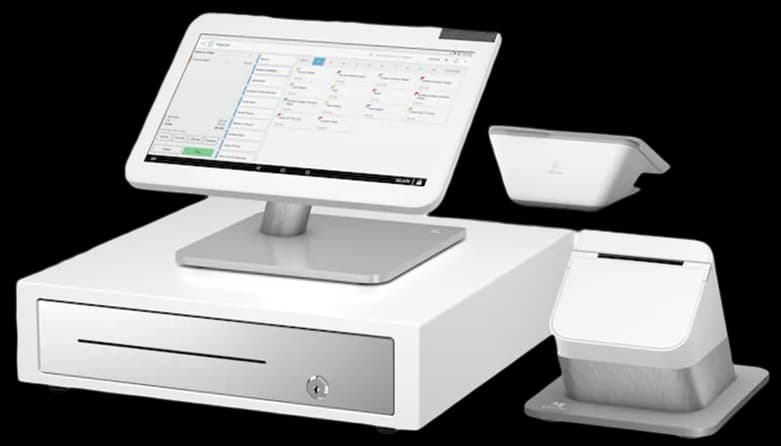
Clover
A connected POS with a broad software ecosystem.
Give considered purchases a simple checkout.
Talk through your optionsA jewelry sale may involve a considered decision and a detailed item description. Begin by reviewing how the store identifies individual pieces and which information staff need at checkout. Keep names and references consistent across the item list and the receipt. Avoid importing uncertain descriptions simply to complete a migration quickly; preserve the original records and clarify important details first.
Prepare sample transactions using the kinds of items your business actually sells. Ask how the selected software displays the item, records an adjustment and retrieves the sale afterward. Do not infer specialized valuation, appraisal or inventory capabilities from a general retail description. If one of those functions matters, ask the relevant provider to confirm the exact application and workflow.
Discuss where the customer reviews the final amount and receives the receipt. Consider screen reach, privacy and the space needed for packaging and ordinary paperwork. A payment device should fit that handoff without forcing staff to move equipment awkwardly across the counter. Confirm the required connections and any mounting accessory before choosing a layout.
Review processing eligibility, transaction handling and settlement provisions with the processor. Equipment choice does not establish approval or a particular deposit schedule. Explain the business activity and typical sales pattern during the review, then compare the full agreement. Keep customer payment information out of quote forms and informal notes used to discuss a transaction.
Write down who can change a selling price, cancel a transaction or issue a refund. Ask how the proposed software records each action and how the owner reviews it. Practice a return using the store policy and identify what information must be available to complete the process. Software options should support a defined business procedure rather than silently creating a new one.
If customer profiles or another business application are part of the plan, ask which data is stored and how access is controlled. Confirm the integration instead of assuming that records will move automatically. Include any additional application charge or support responsibility in the written comparison before choosing a configuration.
Run a demonstration that includes selecting an item, confirming the amount, taking payment and finding the record later. Add a price adjustment and a refund so the team can see how exceptions are handled. Ask someone who did not configure the system to repeat the steps and explain the resulting receipt.
Before launch, back up important item records and agree on the point when new sales begin in the replacement system. Review hardware obligations, recurring software costs, processing fees and cancellation conditions together. Keep the appropriate support contacts available to staff. A useful jewelry POS conversation turns detailed sales requirements into a clear, practiced checkout routine without promising unverified product functions.
These are starting points for a configuration review. Confirm your software, payment approval and accessory compatibility before choosing equipment.
A connected POS with a broad software ecosystem.
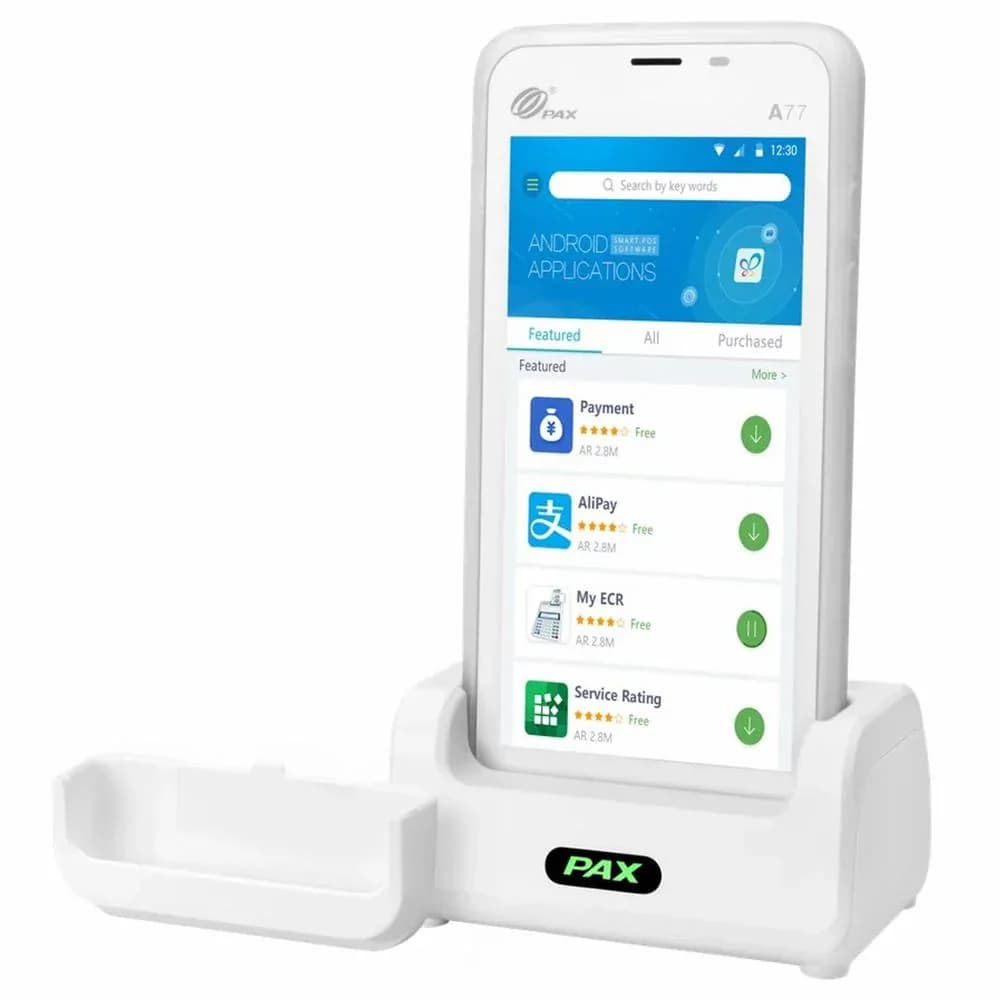
Flexible payment terminals for the counter and beyond.
Review your daily workflow
Confirm software and processor compatibility
Prepare data and staff access
Test before serving customers
Compare the configuration, ongoing costs and agreement before making your choice.
Share your workflow and the questions you want answered. Request a POS quote or a free review of your processing statement.