
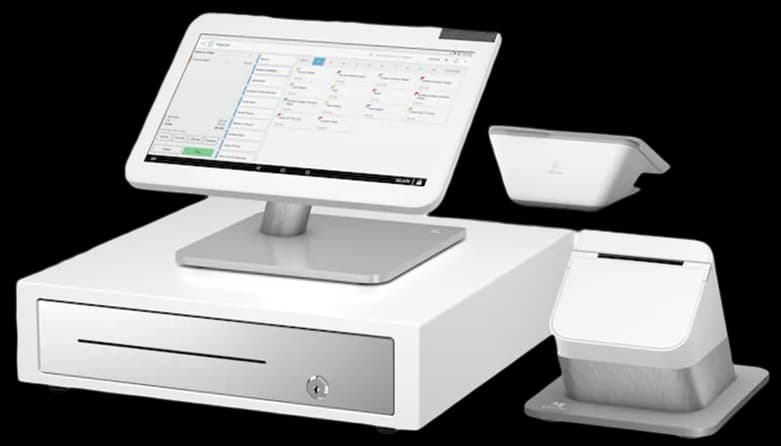
Clover
A connected POS with a broad software ecosystem.
Organize front of store sales with a clear view.
Talk through your optionsA pharmacy may have a retail counter as well as prescription and clinical systems with separate responsibilities. Begin by identifying which activities belong to the POS review. General retail products, receipts and payment handling can be discussed without assuming access to prescription records. Explain the boundaries of your existing systems before asking any provider to connect them.
Do not place patient information in a general quote request. Discuss sensitive data handling and any proposed integration with the appropriate vendors and advisers. A product page or device photo cannot establish suitability for regulated information. Keep the conversation focused on confirmed requirements and the actual responsibilities of each system rather than broad claims about industry compatibility.
For front store sales, prepare clear item names, barcodes and selling units. Review products with similar packaging and record any information that needs confirmation before migration. Keep a backup of the existing item list. A new scanner still depends on accurate records in the software behind it, so data preparation should be part of the equipment discussion.
Use a sample basket to demonstrate scanning, an unknown item and a corrected price. Ask how the proposed software records a return and how the owner finds that transaction afterward. If existing printers or drawers are to remain, identify exact models and connections and request compatibility confirmation before including them in the launch plan.
Decide who may perform retail transactions, adjust prices or issue refunds. Review staff permissions in the proposed setup and how access is changed when responsibilities move. Keep device screens and printed receipts positioned so ordinary customer information is not exposed unnecessarily at a busy counter. Physical layout and software controls need to be considered together.
Confirm the payment application and processor supporting the selected device. Ask how staff check an uncertain result and which contact handles a settlement question. Do not assume a particular payment method or integration is available because the hardware is used in another pharmacy. The exact business arrangement and software configuration still need review.
Before switching retail equipment, document which data should remain separate and which connections have actually been approved. Have staff practice a normal basket, a correction, a refund and an end of shift check. Ask them to locate the resulting records without assistance from the person who prepared the demonstration.
Compare the complete retail proposal, including software subscriptions, processing fees, equipment obligations and support responsibilities. Include the existing vendors in any discussion that affects their systems. A useful pharmacy POS review improves a defined front store workflow while respecting the boundaries of other applications. It should end with an understandable retail routine and a written record of what has been confirmed, rather than an unsupported promise about clinical or prescription capabilities.
These are starting points for a configuration review. Confirm your software, payment approval and accessory compatibility before choosing equipment.
A connected POS with a broad software ecosystem.
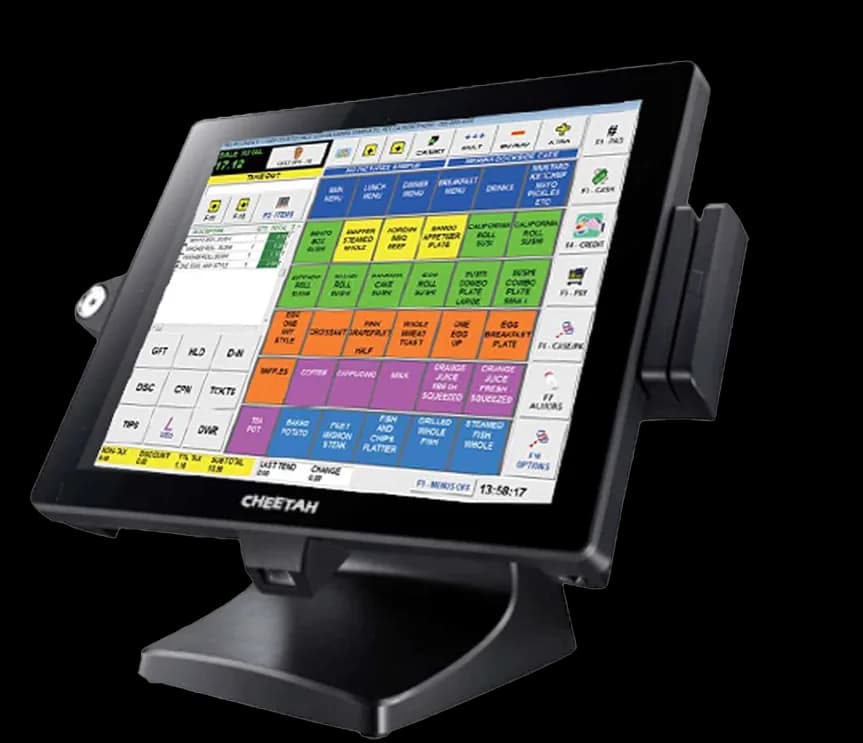
Retail tools for convenience, grocery and fuel businesses.
Review your daily workflow
Confirm software and processor compatibility
Prepare data and staff access
Test before serving customers
Compare the configuration, ongoing costs and agreement before making your choice.
Share your workflow and the questions you want answered. Request a POS quote or a free review of your processing statement.