
Clover
A connected POS with a broad software ecosystem.
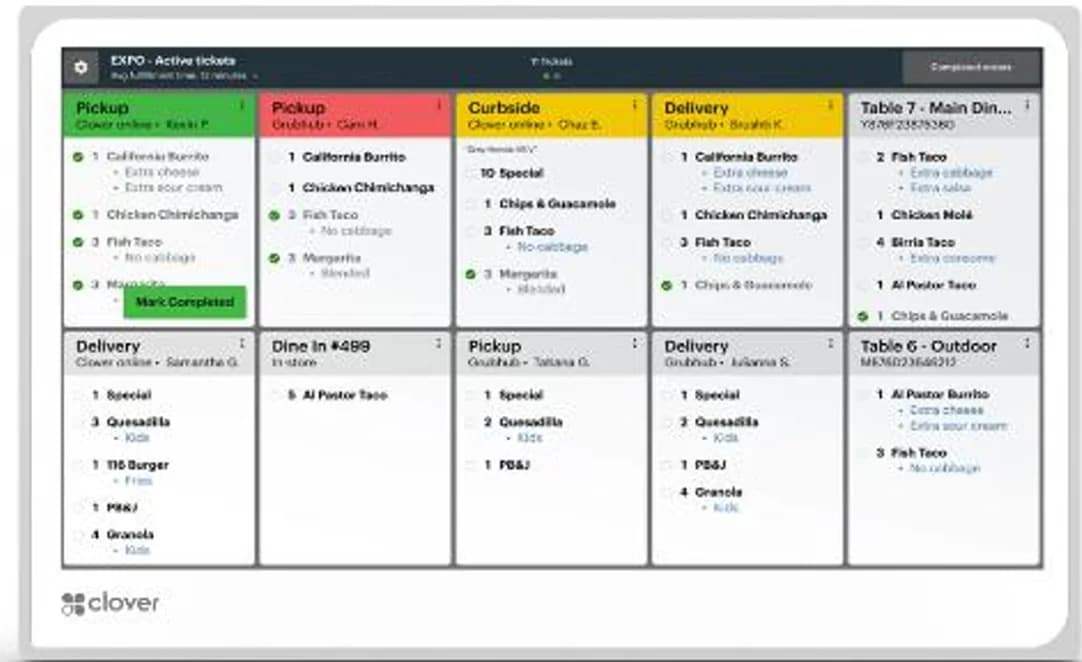
Connect the front counter with the kitchen.
Talk through your optionsBegin with a real order from your menu. Include a modifier, a preparation note and a change made after the first entry. Track who enters the order, which station needs to receive it and what the customer sees at payment. A restaurant demonstration is useful when it follows the full path rather than stopping at a successful card transaction.
If a kitchen display or printer is proposed, confirm the supported connection with the selected ordering software. Ask what happens when an order is corrected or a station is unavailable. Hardware that can display or print information still needs the appropriate application and routing rules to make the kitchen handoff reliable.
Review menu names, modifiers and prices before moving them into another system. Decide which choices staff must enter and which options should remain unavailable until confirmed. Test similar item names with the people who take orders so the interface does not encourage accidental selections during a busy service.
Keep a backup of the existing menu records and agree on when price changes will stop during migration. If online ordering or another external service is part of the business, ask for confirmation of the exact integration. Do not infer that an application will connect simply because the proposed POS supports other restaurant tools.
Ask to see the supported process for split checks, tips, a changed order and a refund. Confirm where those actions appear in reporting and which staff members can perform them. If a handheld device is being considered, review connectivity where servers will actually use it and plan charging between services.
Think about the customer experience at a counter or table. The payment screen should be reachable without creating an awkward handoff. Receipts and order tickets should go to the intended place. Include cable routing, spills and staff movement when deciding where equipment will sit, rather than choosing a layout from a product photo.
Select a trial period that lets staff practice without depending on the new setup for every customer immediately. Test an ordinary order, a modification, a payment and an end of shift review. Ask team members to explain the next step when a printer or connection needs attention, and write down the relevant support contacts.
Compare the proposed hardware, software subscriptions, ordering integrations and processing agreement together. Review recurring costs and equipment obligations alongside the functions you need. A restaurant setup should support a clear sequence from order to kitchen to payment, with defined responsibilities when something changes. Confirm that sequence for the exact configuration before relying on it during a busy meal period.
These are starting points for a configuration review. Confirm your software, payment approval and accessory compatibility before choosing equipment.
A connected POS with a broad software ecosystem.
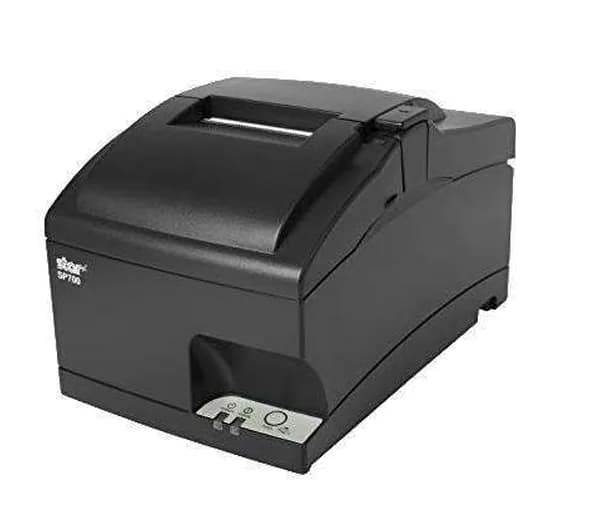
Scanners, printers and the extras that complete your POS.
Review your daily workflow
Confirm software and processor compatibility
Prepare data and staff access
Test before serving customers
Compare the configuration, ongoing costs and agreement before making your choice.
Share your workflow and the questions you want answered. Request a POS quote or a free review of your processing statement.