
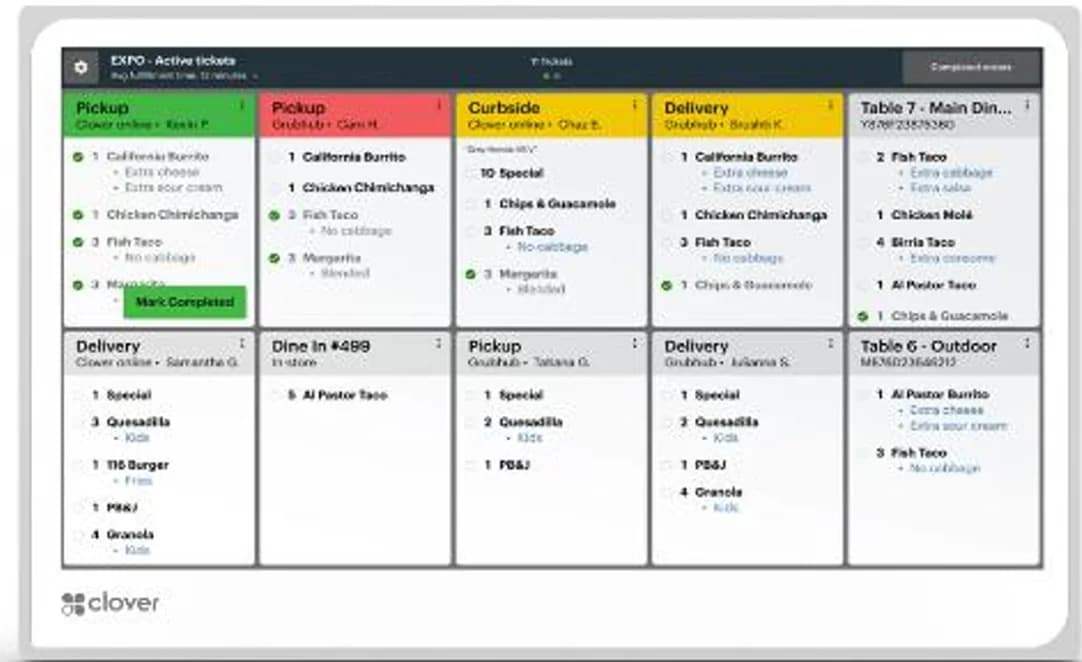
Clover
A connected POS with a broad software ecosystem.
Keep tabs and busy service moving together.
Talk through your optionsA bar or nightclub should begin its review with the way a tab is opened, changed and closed. Explain who can add items, how staff identify the correct tab and how a customer moves from ordering to payment. Ask the software provider to demonstrate the proposed workflow using realistic examples, including a customer who needs an adjustment before closing.
Confirm any payment authorization behavior with the processor and application provider. A familiar terminal shape does not establish how tabs operate in the selected setup. Keep business procedures for identifying customers and managing restricted products separate from assumptions about what the equipment will decide automatically.
Review staff access by responsibility. Decide who may remove an item, change a price, cancel a sale or issue a refund. Ask how these actions appear in the records an owner reviews afterward. A useful demonstration should make exceptions understandable, rather than presenting only a clean sequence of successful payments.
Practice tip entry and end of shift reporting with the proposed configuration. If different staff members work on the same tab, test that situation explicitly. Confirm which reports come from the POS, which come from the processor and which depend on an additional application. Keep the billing and support responsibility for each tool clear before adding it.
A crowded service area can create practical challenges for a payment device. Review customer reach, staff movement, cable strain and the location of receipt equipment. If portable terminals are being considered, test connectivity in the areas where they will be used and plan how devices are charged and accounted for between shifts.
Do not assume that every advertised connection option is available under the proposed software and agreement. Ask what staff should do when a connection changes during payment. Make sure the team knows where to confirm the transaction result before starting another attempt, and keep customer payment details out of informal notes or ordinary messages.
Be clear about the business model, opening pattern and products sold during the processing review. Eligibility and settlement conditions are determined through the applicable underwriting and agreement. Equipment choice alone does not guarantee approval or a particular deposit schedule. Ask for relevant terms in writing and make sure the owner can explain them.
Before switching, run a trial that includes an open tab, an added item, a correction, a tip and a refund. Check that the resulting records can be located by the people responsible for reconciliation. Compare software charges, processing costs, equipment obligations and cancellation conditions together. A practical setup gives the team a repeatable service routine and a clear response to common exceptions, without relying on unconfirmed capabilities.
These are starting points for a configuration review. Confirm your software, payment approval and accessory compatibility before choosing equipment.
A connected POS with a broad software ecosystem.
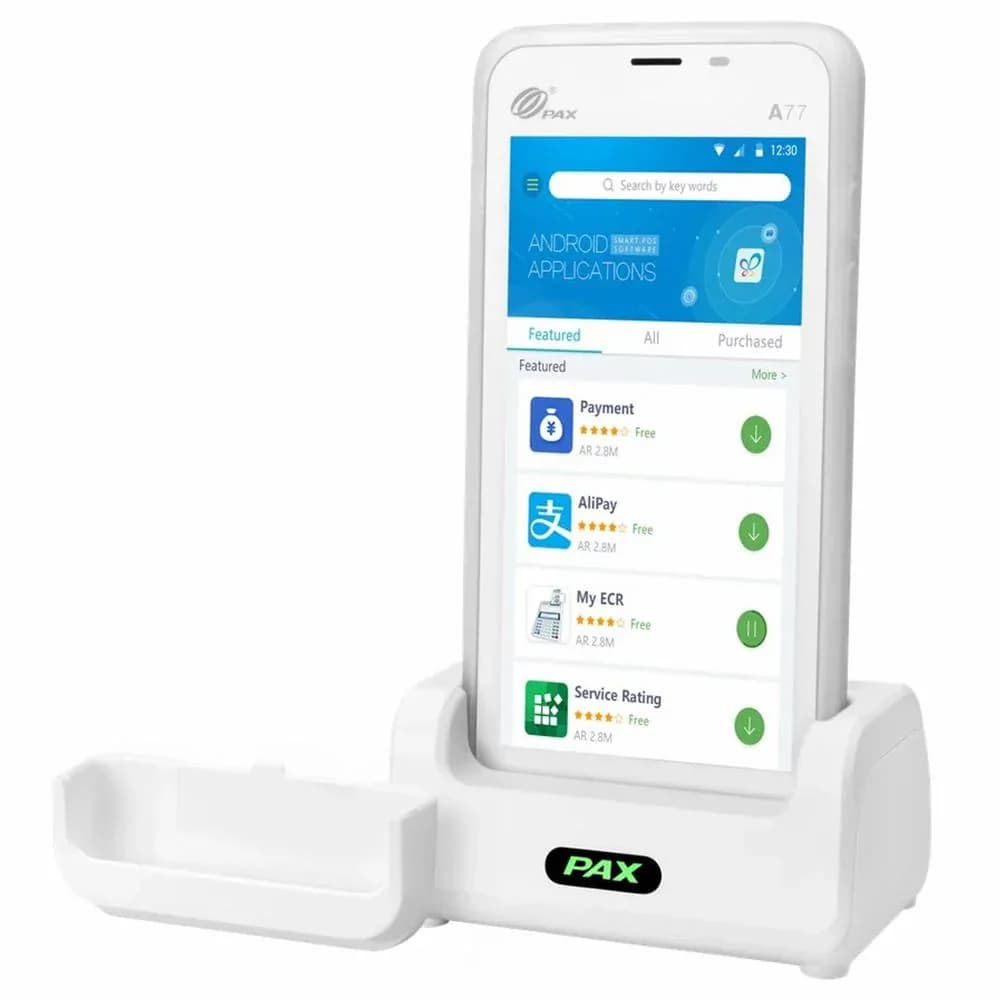
Flexible payment terminals for the counter and beyond.
Review your daily workflow
Confirm software and processor compatibility
Prepare data and staff access
Test before serving customers
Compare the configuration, ongoing costs and agreement before making your choice.
Share your workflow and the questions you want answered. Request a POS quote or a free review of your processing statement.